[analyse_image type=”featured” src=”https://velo-cdn.outsideonline.com/wp-content/uploads/2026/08/DSC_6393-2.jpg”]
Pros
360 cameras allow shoot first and frame later
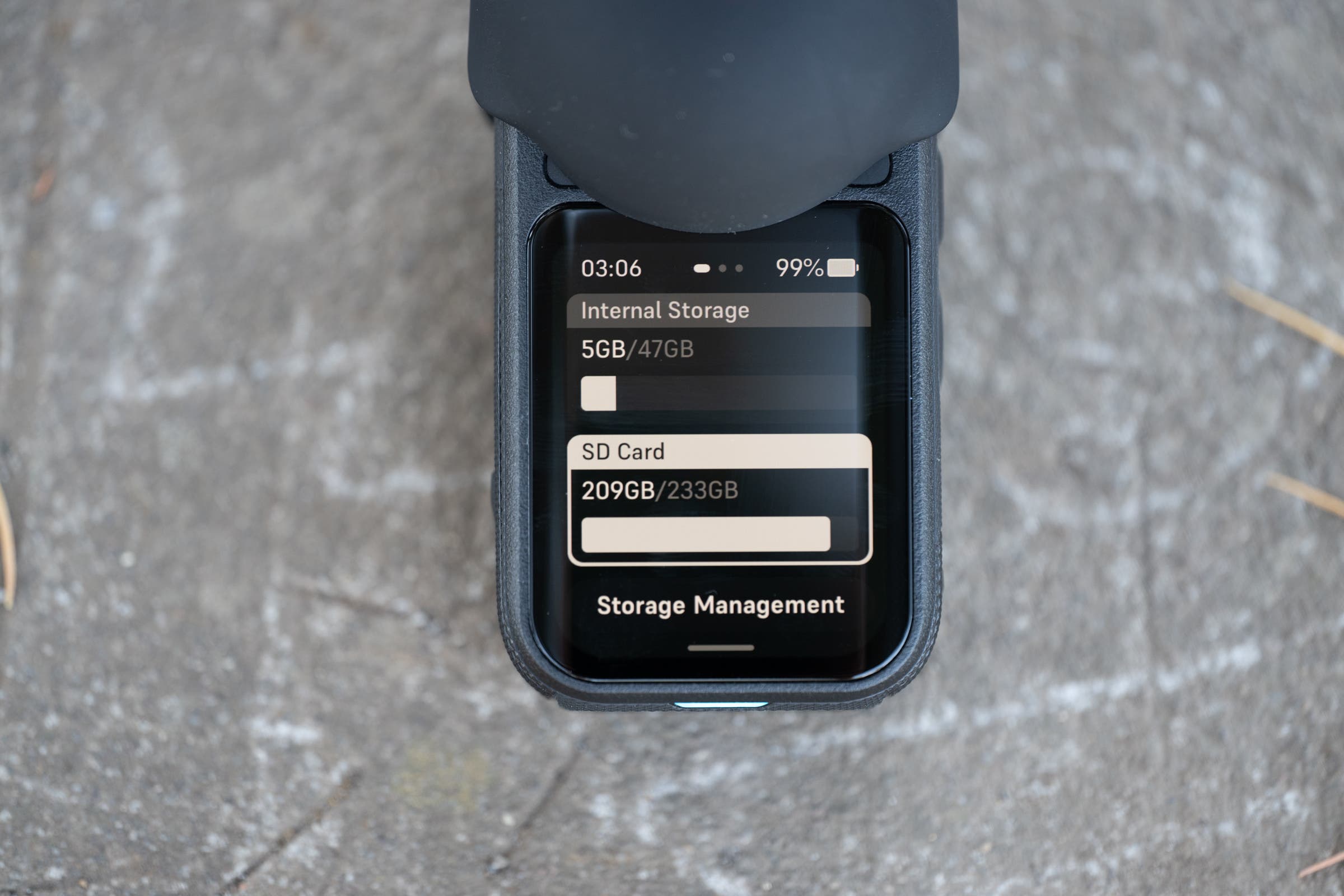
47GB built in storage
Incredible audio quality
Simple to use editing software on both mobile and desktop
50fps slow motion available in 8k resolution mode
True 4k 120fps available in single lens mode
Cons
Quick capture button shut down process is annoying
Image quality suffers compared to a dedicated 8k single lens action camera
Insta360 X6 specs
| Specification | Insta360 X6 |
| Weight | 196 g / 6.9 oz |
| Dimensions (W x H x D) | With lens: 50.0 x 100.0 x 40.0 mm Without lens: 50.0 x 100.0 x 26.4 mm |
| Image Sensor | 1/1.1″ Square Sensor (120MP 360 Photo / 42MP Flat Photo) |
| Max Video Resolution | 360 Mode: 8K50 Flat Mode: 5K60 / 4K120 Bullet Time: 4K240 |
| Color & Log | Standard (Rec.709), Dolby Vision, I-Log |
| Audio | Stereo, Intelligent Wind Noise Reduction, Dolby Atmos |
| Displays | 2.32-inch OLED Screen |
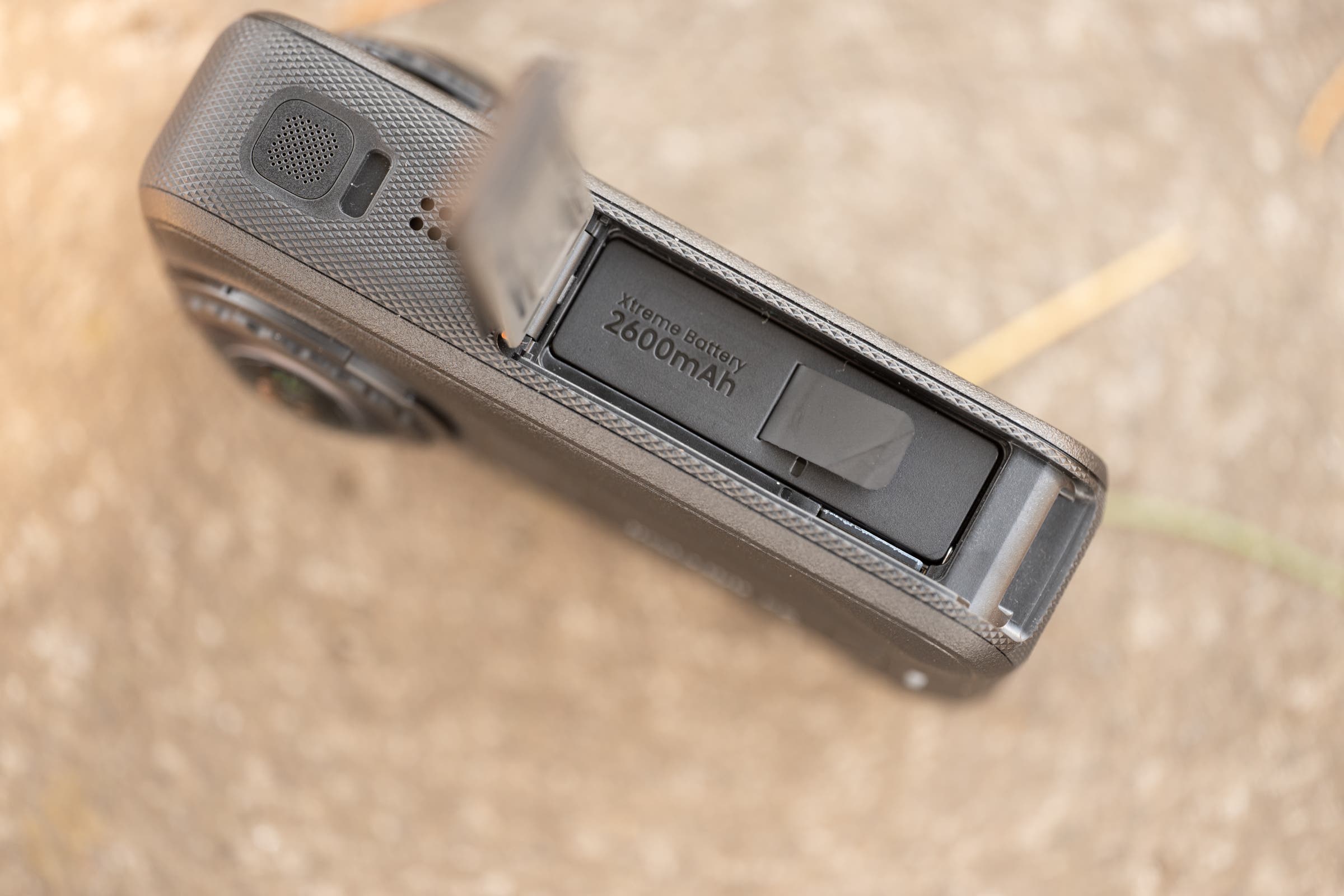
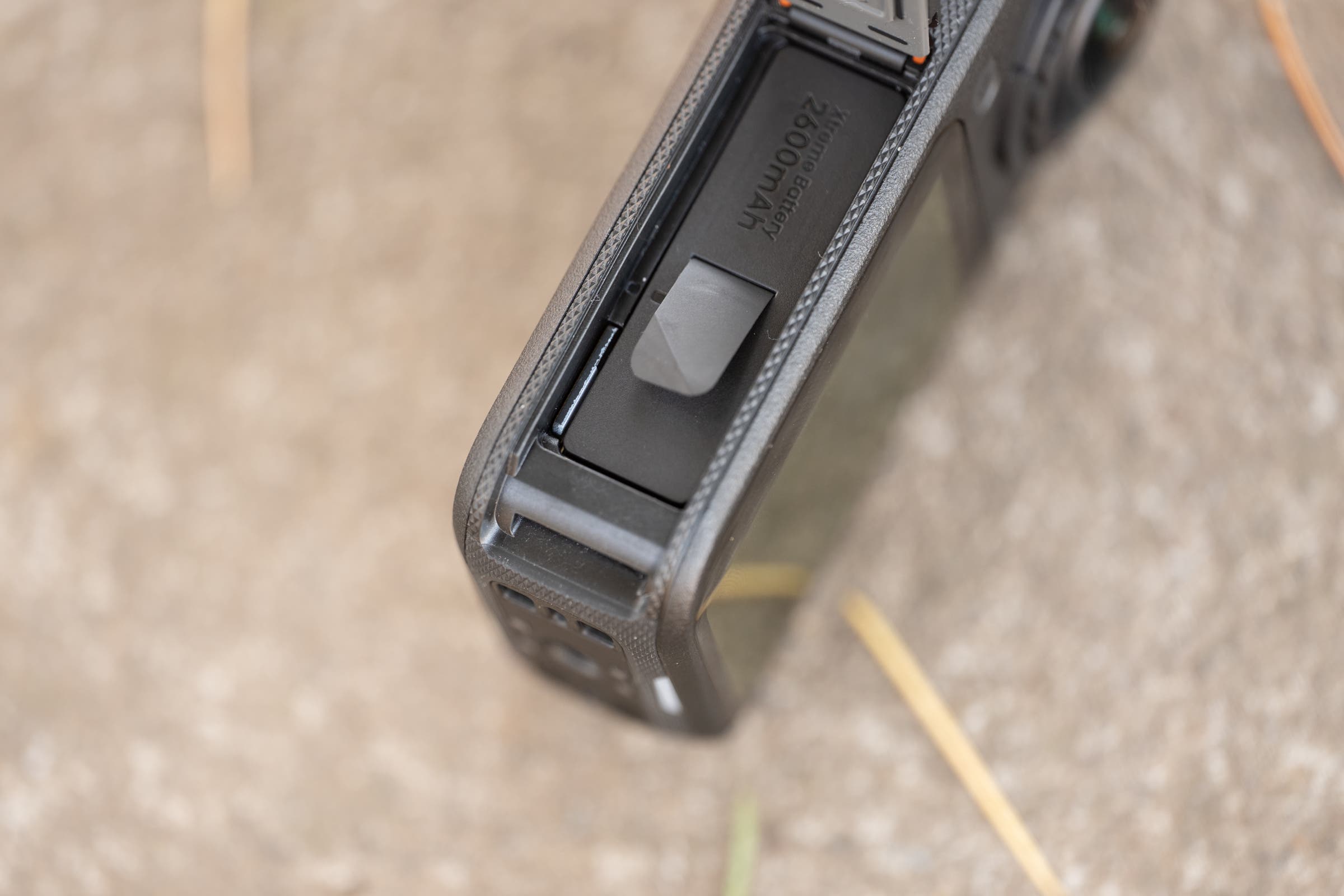
| Battery | 2600mAh |
| Waterproofing | 66 ft / 20 m |
| Mounting | 1/4″ threaded interface, magnetic mounting |
| Storage | 64GB built-in storage (47GB available) + MicroSD |
Today, the Insta360 X6 360 camera launches. This is the latest in a long line of 360 cameras that I have recommended to anyone who would listen for years. All that time, I’ve said that the Insta360 X series of cameras was simply the best way to record footage while riding a bike.
Most recently, that meant the X5, which offered 8K footage and replaceable lenses, plus an editing suite on both mobile and desktop that was better than the competition. I’ve also always been a big fan of the candy bar shape that makes it easy to hold while riding, and the audio is real magic. The X5 had a physical foam microphone cover built into the case, plus class-leading software processing that meant the audio was so much better, it wasn’t even close to what other companies offered. On top of that, trick footage that looks a bit like it’s been shot from a follow drone (because of the invisible selfie effect) isn’t my thing, but it is a signature look of 360 cameras that a lot of users love.
That’s not the real reason I always recommend these cameras, though. What I love about past X series cameras is that you don’t have to worry about framing. It doesn’t matter how you are holding the camera while riding. All you have to do is make sure the point of view is correct when you edit the footage later. You can even get two completely different cuts at the same time. Export footage twice and you have access to both b-roll from the front camera and a-roll from the rear camera with a single button press.
Unfortunately, that magic power also represents a trade-off. You are essentially cropping the footage in post-production. When the specs say 8K resolution, you only get 4K after reframing. The same thing happens with the bitrate, and it means that your final quality is lower than the headlines suggest.
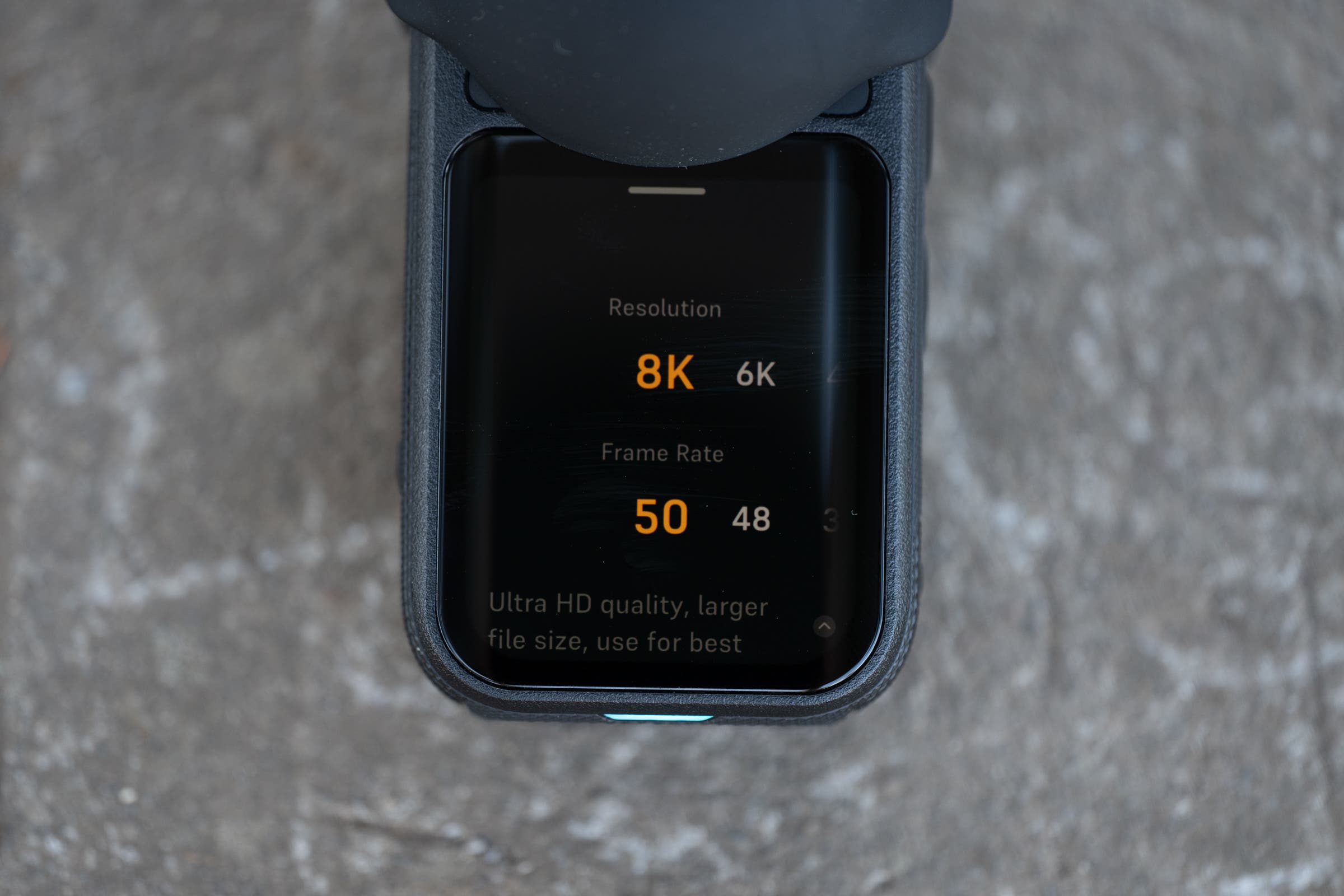
With the Insta360 X6, Insta360 is upgrading some of that trade-off. The sensor size is increasing from 1/1.28″ to 1/1.1″, and the shape is changing from rectangular to square to better match the needs of a 360 camera. There’s now a dedicated single-lens mode that allows 4K at 120fps for cinematic slow motion, or you can stick to 8K 360 footage for a max of 50fps for slow motion with full control over reframing.
Perhaps most notably, Insta360 is billing this as the first native Dolby Vision 360 camera, delivering a jump from the 8-bit color of the X5 to true 10-bit color. Stepping up from 16.7 million colors to over 1 billion eliminates the stepped color banding you sometimes get in bright skies or sunset gradients. Combine that with Dolby Vision—a technology that analyzes dynamic metadata to adjust brightness and contrast frame by frame—and you get way more data to maximize dynamic range.
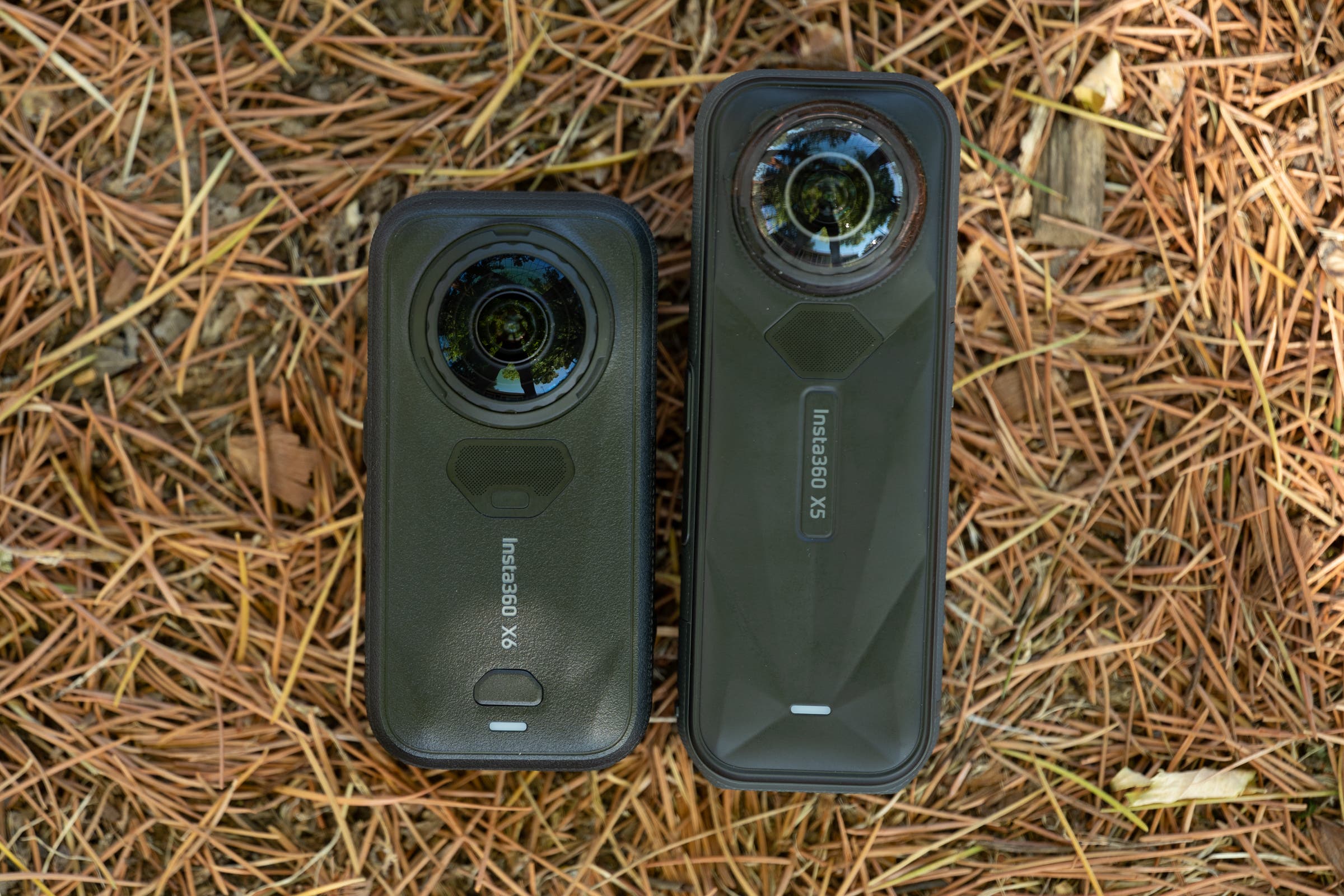
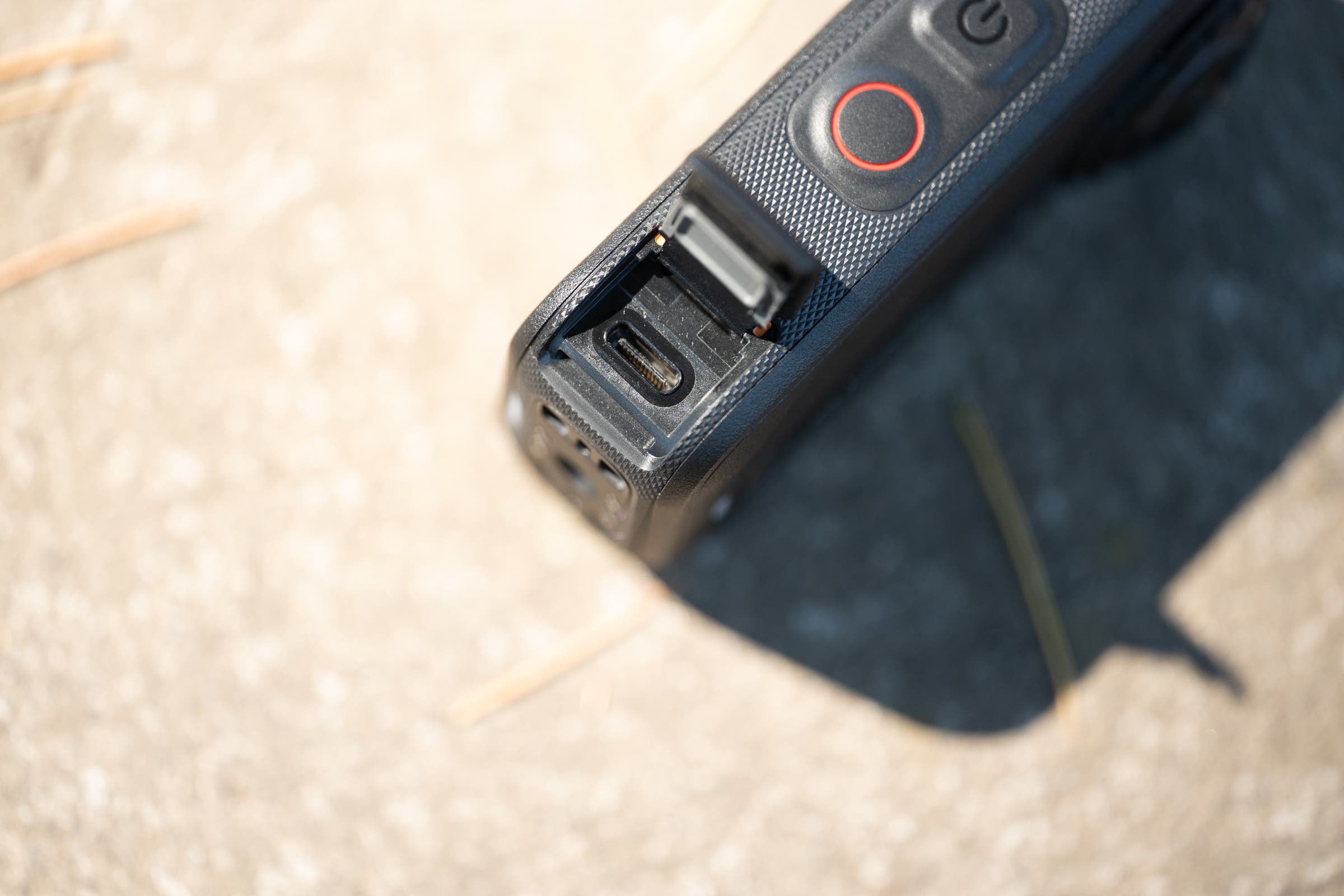
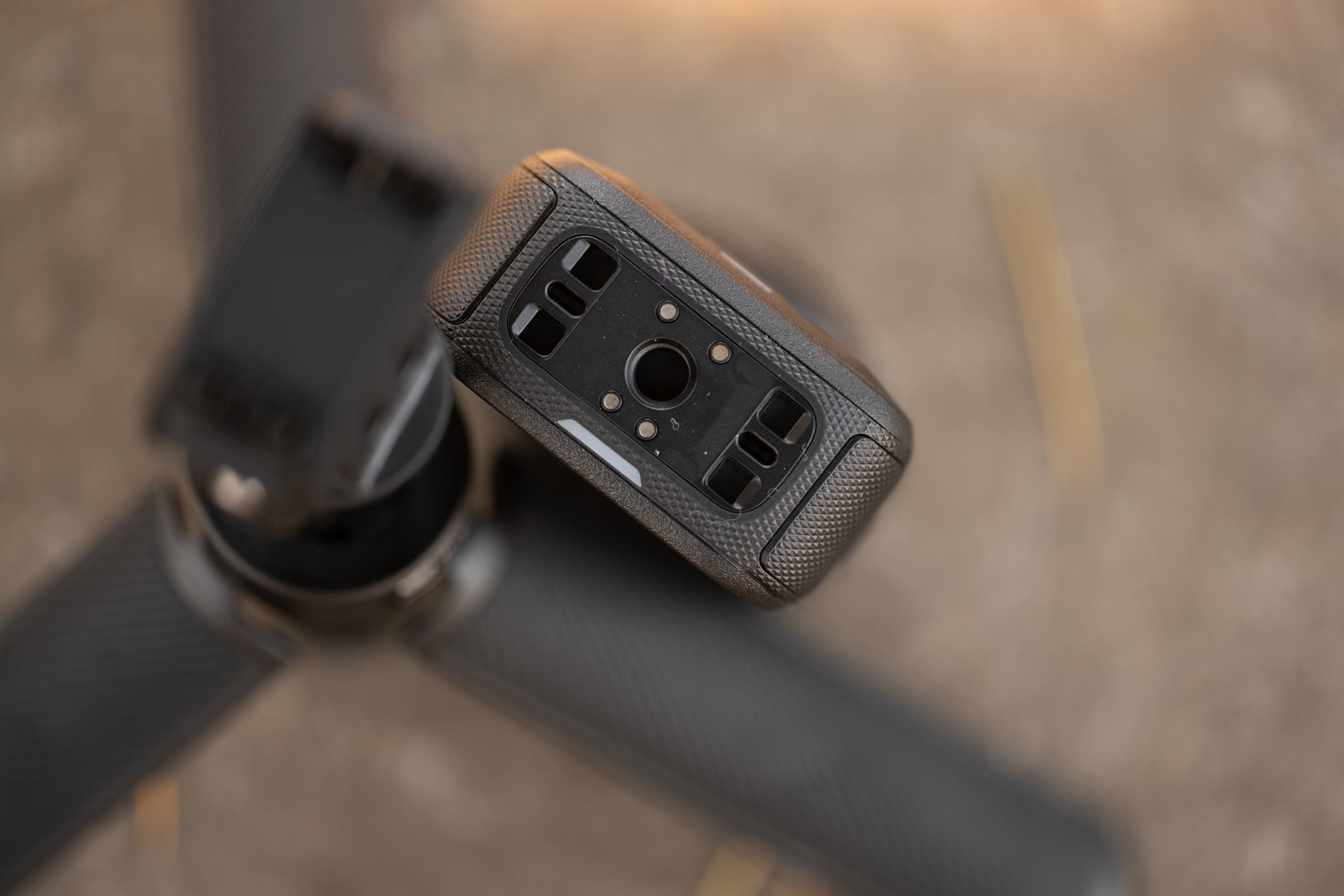
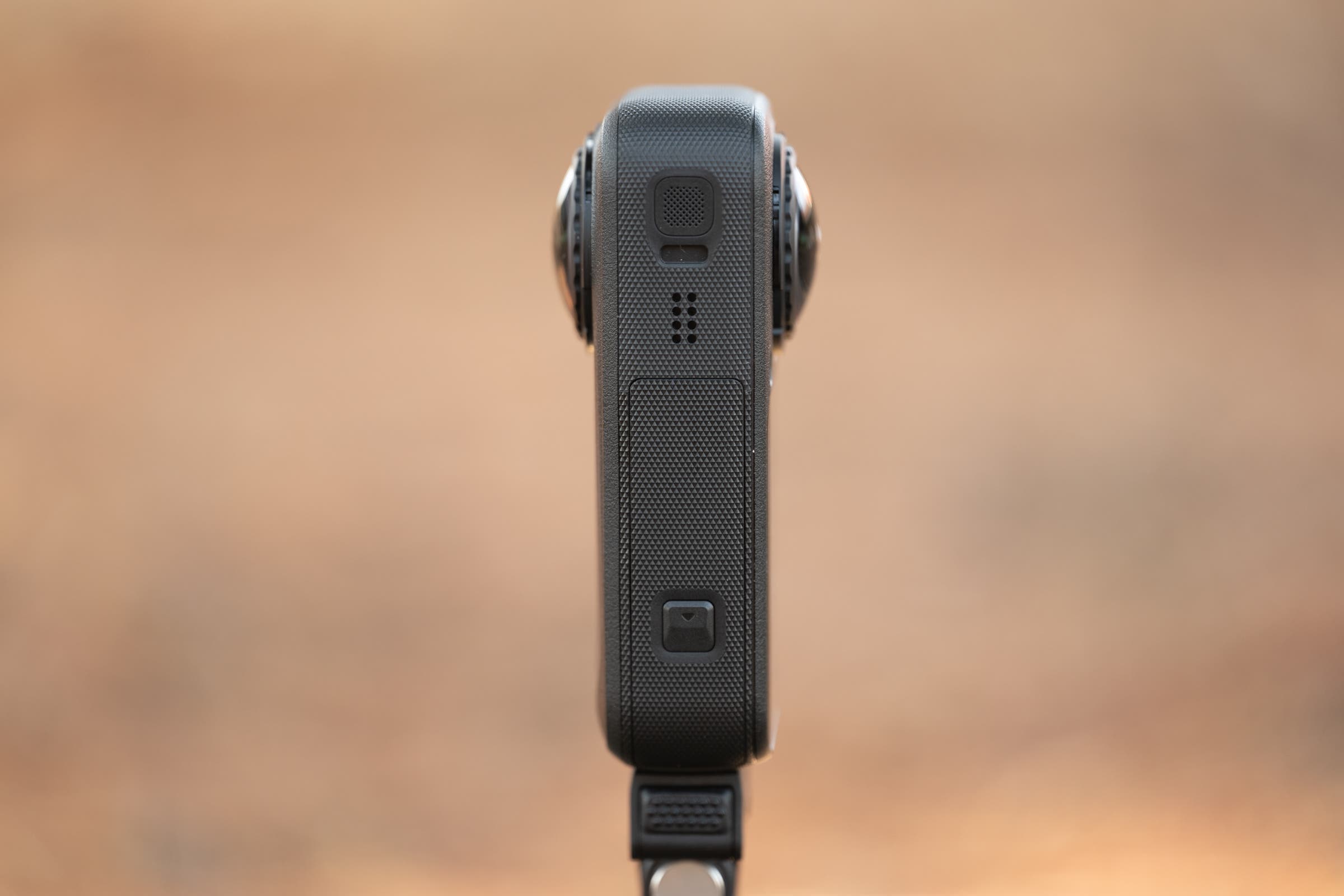
Outside of those kinds of differences in shooting, the exterior of the X6 is getting a real upgrade for the first time in a number of years. While I absolutely love hand-holding the longer candy bar shape of the previous X-series cameras, it can be a challenge for people who like to mount the camera. This time, it’s a shorter design that’s closer to a square, and the quick capture button has moved from below the rear screen to the side of the camera next to the power button. The old Q button is gone.
What I like about the Insta360 X6 action camera
I don’t have any clever quip about this: audio is what makes or breaks a video. People will put up with a lot if the audio is good, and the audio on the Insta360 X6 is really good. It is miles ahead of the competition and, in some situations, as good as a standalone mic. I can hold the camera and talk to it at 20 mph while sounding clear, without the robotic garble that usually ruins action camera audio.
Insta360 accomplishes this in a few ways that are unique to the camera. One is that the mic locations enjoy some protection from the wind just by being in a wind shadow if you are hand-holding it. That helps, but it’s not enough. The real magic is the software noise reduction, which works where other companies seem to fail. It doesn’t sound robotic, and it doesn’t try to erase all ambient noise. Instead, there’s just an unreasonable ability to hear your voice when you need to.
The X5 also had this superpower, but it’s gotten better in the X6. The effect is now that you don’t really have to slow down while riding on flats. You’ll certainly get the cleanest results if you do slow down a bit, but cruise along in the 18-20 mph range, and you will be perfectly fine with the audio straight out of the camera. If you do record while stopped, you might actually find yourself wanting to add some background ambiance back in.
What I don’t like about the Insta360 X6 action camera
This one might sting a bit, but I don’t like the image quality. This is a tough critique to make because for years I considered the image quality of the X4 and the X5 to be excellent. The X6 is theoretically better and definitely not worse. The larger sensor and 10-bit color give more latitude for fixing things and smoother gradients in the sky. There are also HDR superpowers that should help boost exposure between shadow and highlight.
The problem for me is that other camera makers, namely GoPro, have gotten better. When every action camera looked pretty much the same, the advantages of the best 360 camera—which I believe the X series is—made the case that the video quality was fine. Now the Mission 1 Pro is out, and the quality of the footage out of that camera looks much better in comparison.
I believe that the reason for that comes down to what I mentioned above about the nature of a 360 camera. The specs seem great on paper. There’s 8K resolution and high-bitrate recording, but you don’t actually get that. When you crop down to what the viewer actually sees, the true resolution and bitrate are lower. Foliage off in the background looks a bit blockier than I’d like, and the colors aren’t nearly as rich as I want. It’s all very workable, but you can get better.
Theoretically, some of that could be fixed by shooting in HDR with Dolby Vision, but that promise never really showed up in my testing. The exposure actually holds just fine without it. Even in full sun, the camera holds exposure on a white helmet and in the shadows cast with the sun behind me. The sky doesn’t look overexposed, just a bit flat. If I switch to Dolby Vision, it does bring that back to some extent, but it becomes very difficult to actually work with, and the results don’t seem entirely worth the hassle.
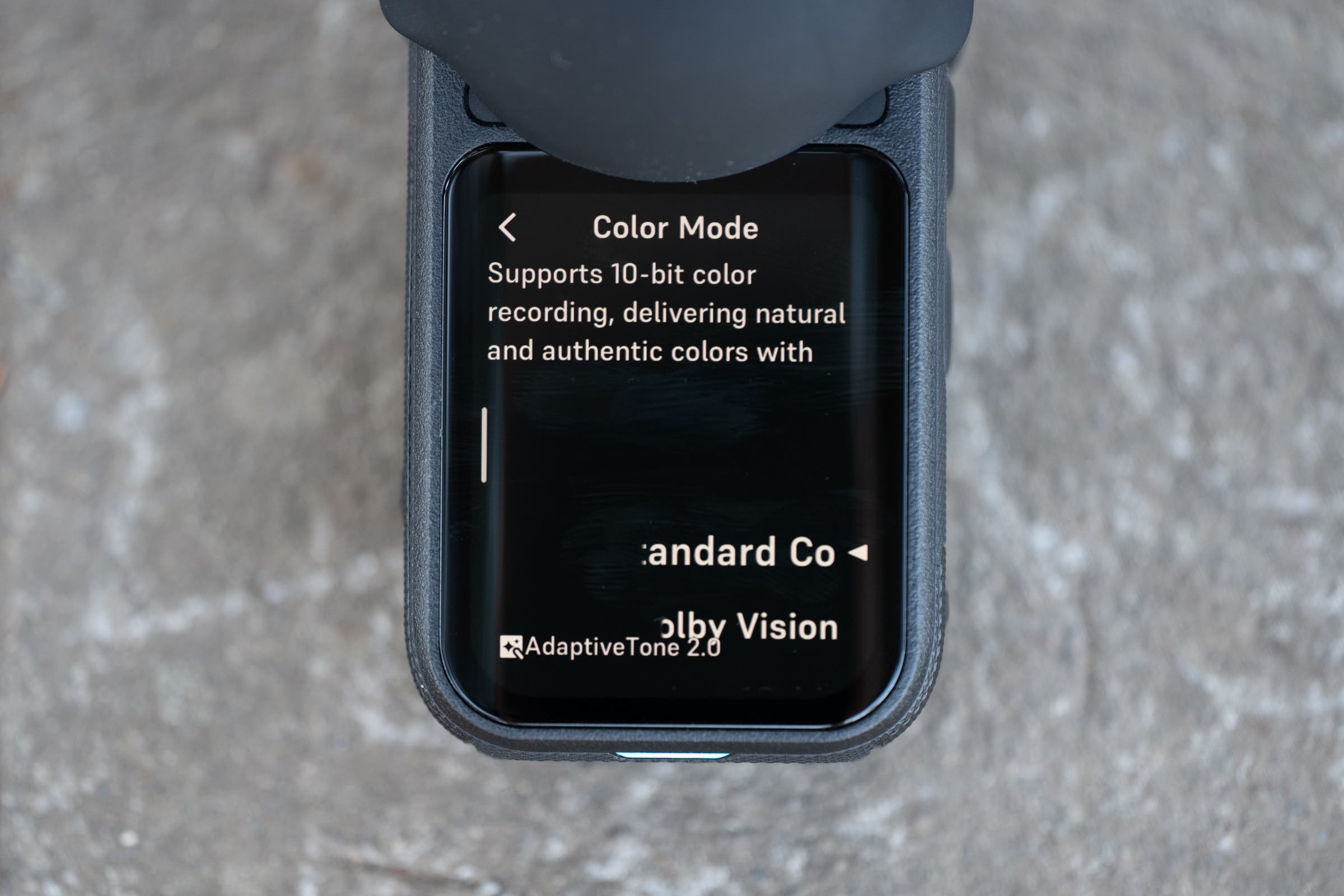
I’m not in love with the footage, which seems to have noticeable HDR halos in high-contrast areas. You also need a fully compliant workflow as the editor with hardware that supports it, and you need the viewer to have that hardware as well. It seems better to switch back to a non-HDR workflow. As I said, the exposure is there, and it’s only a matter of it looking a bit off in color and richness. It’s perhaps not immediately noticeable compared to other action cameras anyway, so many will be willing to overlook it.
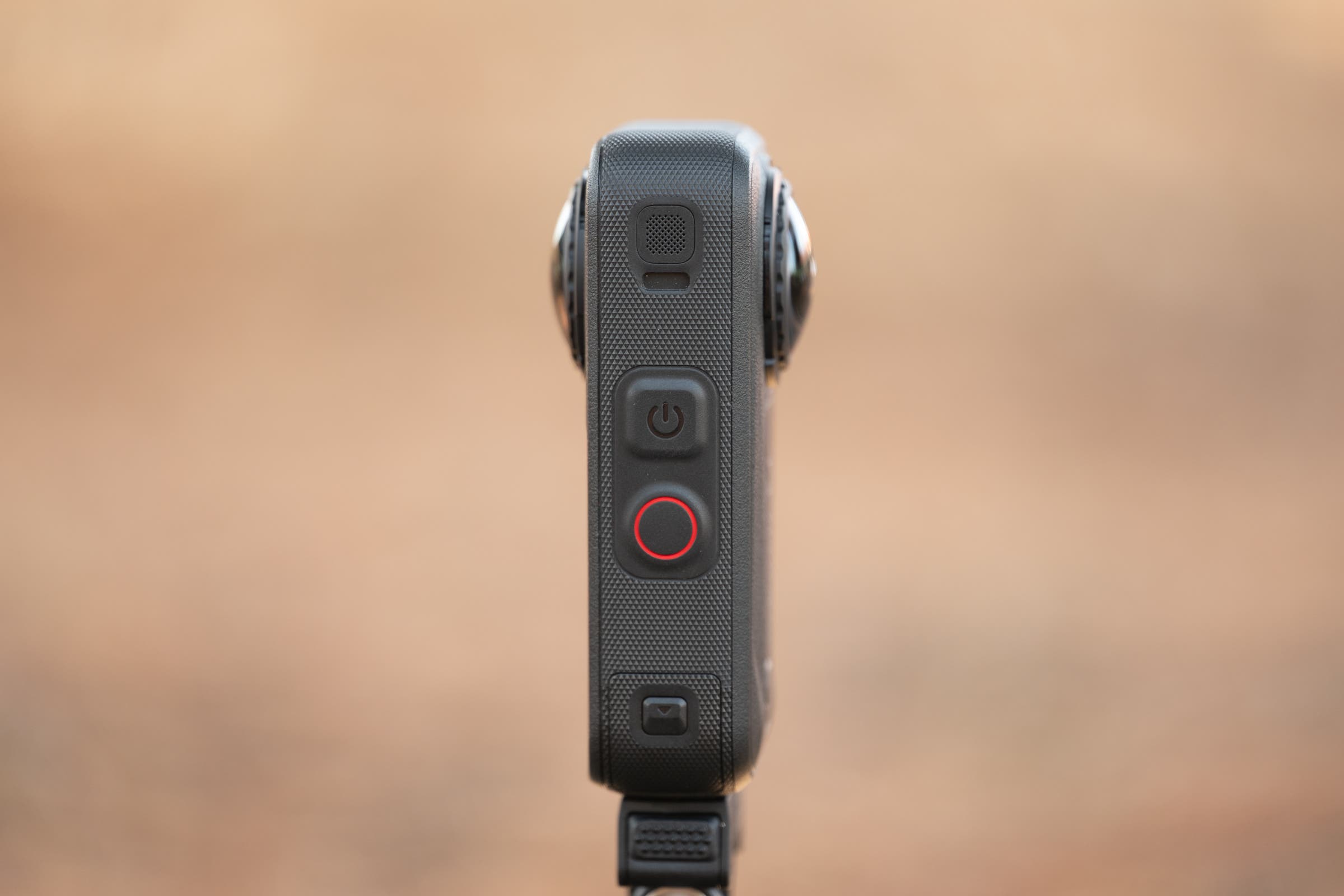
One more annoyance I have to mention is the quick capture button. At some point in the previous generations, it went from a one-press startup and turn-off to needing to wait 4 seconds without touching the screen for it to shut down. It’s maddening because when I hit that button, I want it to turn off. Not only does it become a thing you have to wait on, but if something happens and you change your grip, then touch the screen… now you have to press a different button to turn the camera off. I can’t stand it, and there’s no reason why this couldn’t be a choice in software. On the upside, the power-on is lightning fast on the X6.
Livability
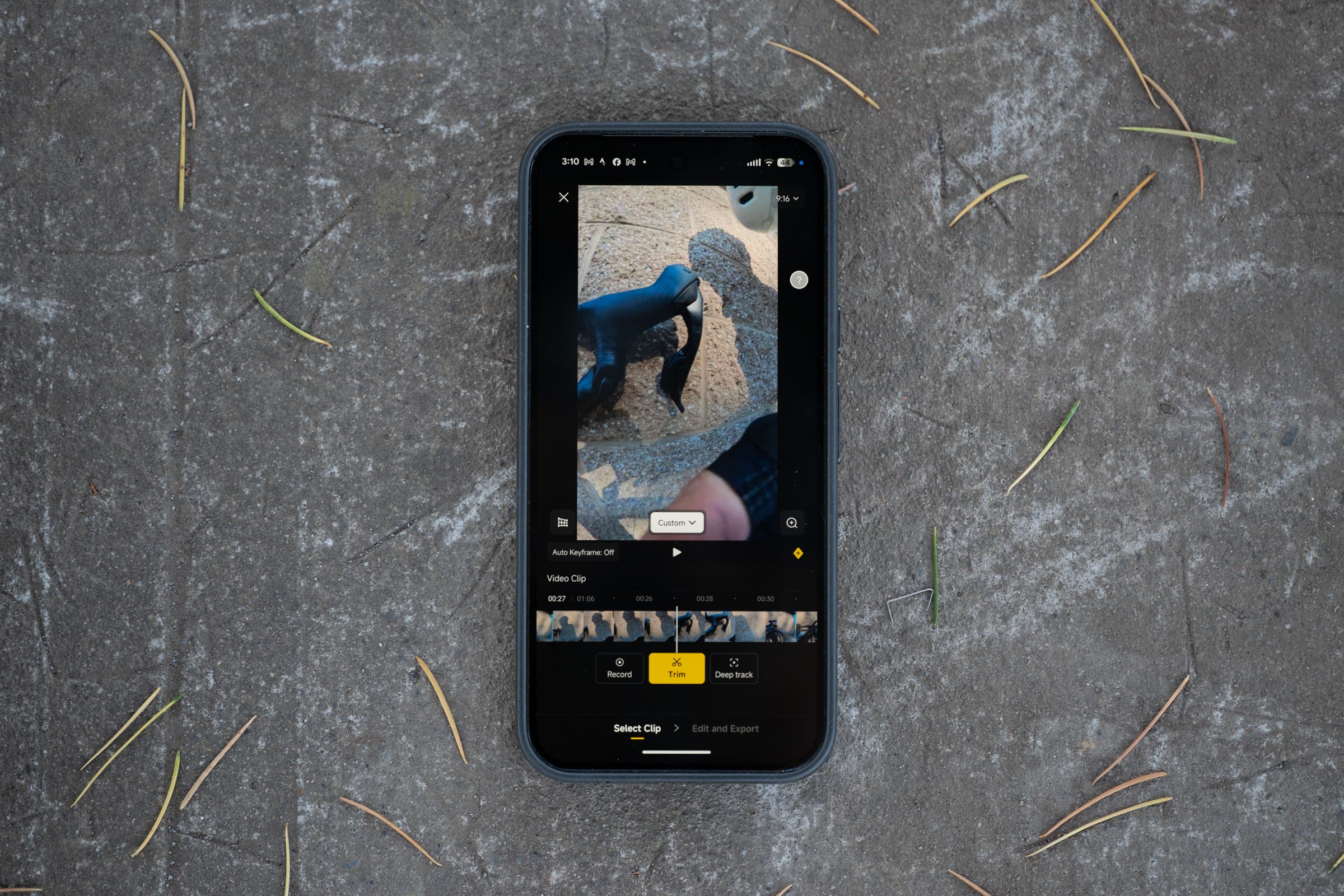
This is where the Insta360 X6 really shines. The whole promise that this camera holds for a lot of people is incredible ease of use and livability. You don’t really need to buy a bunch of accessories, and you don’t need a dedicated video editing computer. The Insta360 app is incredibly good at managing simple edits, and the company has a variety of AI-based shortcuts to help you if you’d prefer to make it even easier.
If you do decide to use it on a desktop, there’s a simple but very effective Insta360 app there also. I generally work on the computer and I tend to be quite manual, but that’s just as viable of a workflow. Take the file and start with a keyframe. As you go along, you can adjust the keyframe location, and the software will complete glass-smooth transitions that feel completely natural. Once done, just export and drop into Premiere if that’s your workflow. You can go back and use the other camera with different keyframes, then export again. As mentioned, the audio is good and the file sizes are reasonable. Nothing is complicated; it all just works easily.
Who is the Insta360 X6 for?
That usability advantage is exactly why this camera is the one you want if you are looking for a simple way to share footage that looks good enough, sounds good, and is engaging. A lot of people will simply bolt one of these to their handlebars on an out-front mount and let it run. When it’s done, you can use your phone to create footage that is easy to upload to short video platforms, and you can show people different views as if you were using a multi-camera setup. Everything will look good enough, and the audio is good without an external mic. This is a win for simplicity, and it meets more real people where they are.
Most riders should choose the Insta360 X6 simply because it is so incredibly usable, but there will always be some who need more. If you are leaning more toward a professional workflow and heavy video production, this may not be the camera you want. The GoPro Mission 1 Pro actually costs slightly less and looks much better. Because the single-lens files are 8K, you still have the resolution to punch in and reframe. The downside is that the files are massive, you need an external mic, and you need to be able to edit in dedicated video production software. You will probably also need accessories that raise both the final price and the complexity.
[analyse_source url=”https://velo.outsideonline.com/road/road-gear/insta360-x6-review/”]